Bond Bridge Pro specification sheet
Hardware, connectivity, mounting, and product specifications. Supplier document #260303.

Find setup instructions, technical references, and video guidance for integrating compatible Uprise motorized shades with Bond Bridge Pro.
Use the setup guide for initial connection and the specification sheet for hardware and network planning. Review the motor technology and integration requirements with Uprise before finalizing the system.
Discuss integration with Uprise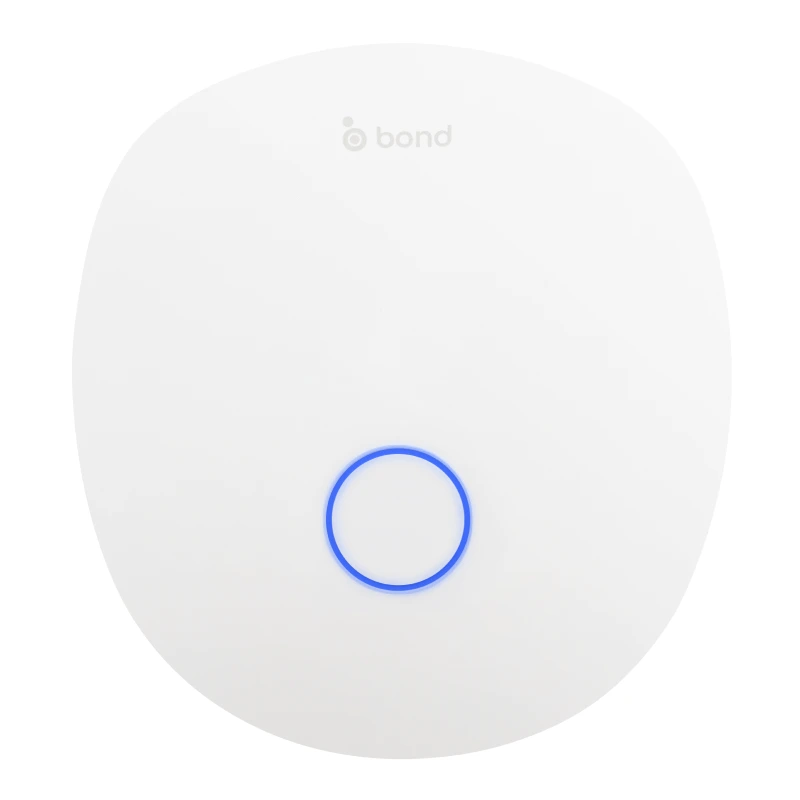
Place the bridge within useful shade-control range. Use its approved USB power supply or a compatible PoE installation. Connect Ethernet now if using wired networking.
Sign in or create an account. Select the add-device control, scan the underside QR code, or choose Bond Bridge Pro.
For Wi-Fi, follow the temporary bridge configuration-network prompts, then select the installation’s Wi-Fi network and enter its password. For Ethernet, select Ethernet and identify the bridge by serial number.
Set a clear bridge name, location, and region. Apply available firmware updates and confirm the bridge is online before adding shades.
Use the shade-pairing video below for the supported motor technology. Verify each movement, local controls, groups, and the requested integration before handover.
Hardware, connectivity, mounting, and product specifications. Supplier document #260303.
Supplier drilling template for wall or ceiling placement. Supplier document #240724.
Official Bond supplier documents. Keep the relevant references with the installation handover information.
| Review | What to confirm |
|---|---|
| Motor technology | Bond lists Rollease Acmeda ARC and Basic. Verify the exact motor model, available commands, and firmware. |
| Network and power | Plan 2.4 GHz Wi-Fi or Ethernet, power, mounting, and service access. Review PoE requirements in the supplier documents. |
| Controls and groups | Name devices consistently, test each shade, and agree on group behavior with the client. |
| Professional automation | Confirm the current driver or interface for the chosen Control4, Crestron, Savant, RTI, or URC system with the integrator. |
| Position and feedback | Supported commands and reported position depend on motor technology. Verify actual movement and feedback during commissioning. |
| Backup and handover | Record configuration details, keep an appropriate backup, and provide local control and support information. |
Official Bond guidance for the main setup and service tasks. Follow the instructions for the motor technology and firmware used in your installation.
Connect the bridge to the Bond Home app and prepare it for adding devices.
Follow the pairing workflow for supported shade technologies.
Organize devices and test shared control.
Understand the virtual control interface and supported position commands.
Save the configuration as part of service and handover planning.
Review the supplier workflow for restoring saved configuration data.
Read the setup guide on this page and download the official specification sheet and mounting template in the Manuals and references section.
Yes. Official Bond videos are embedded on this page for setup, shade pairing, groups, slider control, and backup or restore.
Send Uprise the motor model, product family, desired controls, and automation platform. Confirm commands and feedback for the actual configuration before ordering.
Include your order reference, motor and bridge models, firmware details, connection method, and a clear description of the behavior you are seeing.
Share the product details and order reference with our team.